To keep your Member Splash account secure and ensure smooth transitions between boards, we strongly recommend that all board members use board-specific, role-based email addresses instead of personal emails.
-
Credential Recovery: If a board member leaves and takes their personal email with them, it becomes difficult or impossible for Member Splash to reset credentials. Role-based emails (e.g., president@sunnydayswimclub.com) stay with the position, not the person.
-
Continuity: New board members can easily take over their role without chasing down former members for passwords.
-
Security: Using official board emails keeps personal information separate from club business and ensures sensitive account details stay within the organization.
-
Support Efficiency: When you submit a support request from a board-specific email, we can quickly verify your role and provide the help you need.
Examples of Role-Based Emails
-
president@[yourclub].com
-
treasurer@[yourclub].com
-
membership@[yourclub].com
-
board@[yourclub].com
Alternative for Clubs Without Domain Emails
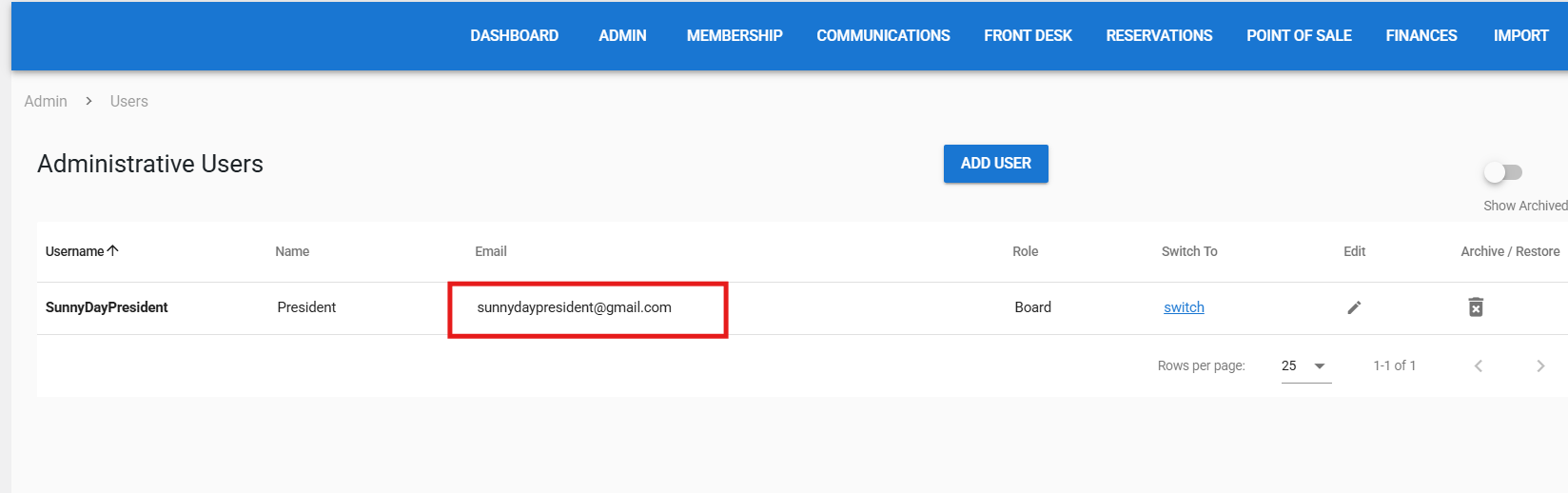
If your club does not have a domain email, you can create a dedicated Gmail account for the role, such as sunnyswimclubpresident@gmail.com. Add this email to the corresponding Member Splash user role. This ensures that:
-
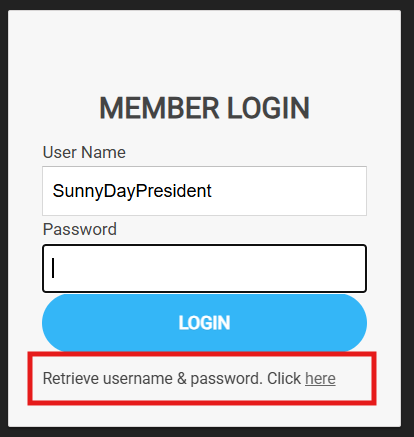
You can retrieve or reset the password if needed.
-
Access remains tied to the role rather than an individual.
-
The board has a secure, shareable account without requiring paid email hosting.